
Kea Labs Search Documentation
Start here
These docs are for store owners, ecommerce teams, and developers working with Kea Labs search. Start with the setup guide for a new installation. Come back to the operations, search management, and customization pages when you need to check indexing, tune search results, update filters, or change the storefront interface.
Install the module, complete the setup wizard, build Preview, test the storefront, and publish Live mode when you are ready.
Status and launchWork with Preview and LiveCheck indexing and publish status, understand what shoppers see now, and see when a change is still waiting to go live.
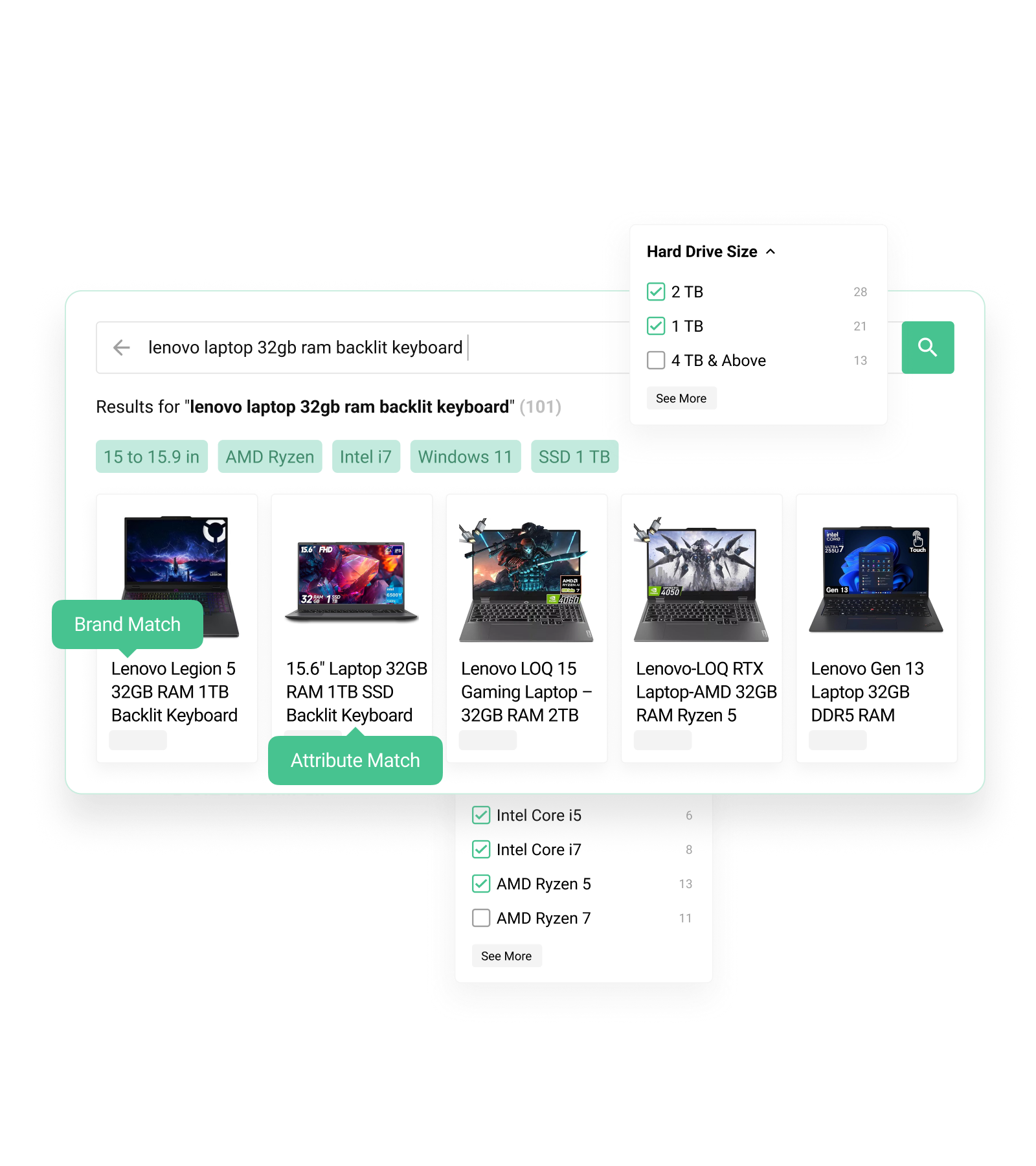
Search qualityImprove results and filtersAdd synonyms, choose searchable fields, adjust field priority, manage facets, and tune autocomplete behavior.
Storefront UIMatch search to your themeUse CSS variables, selectors, product-card templates, facet markup, and block guides to customize the search box and results page.
PrestaShop module
Premium Search + Filters
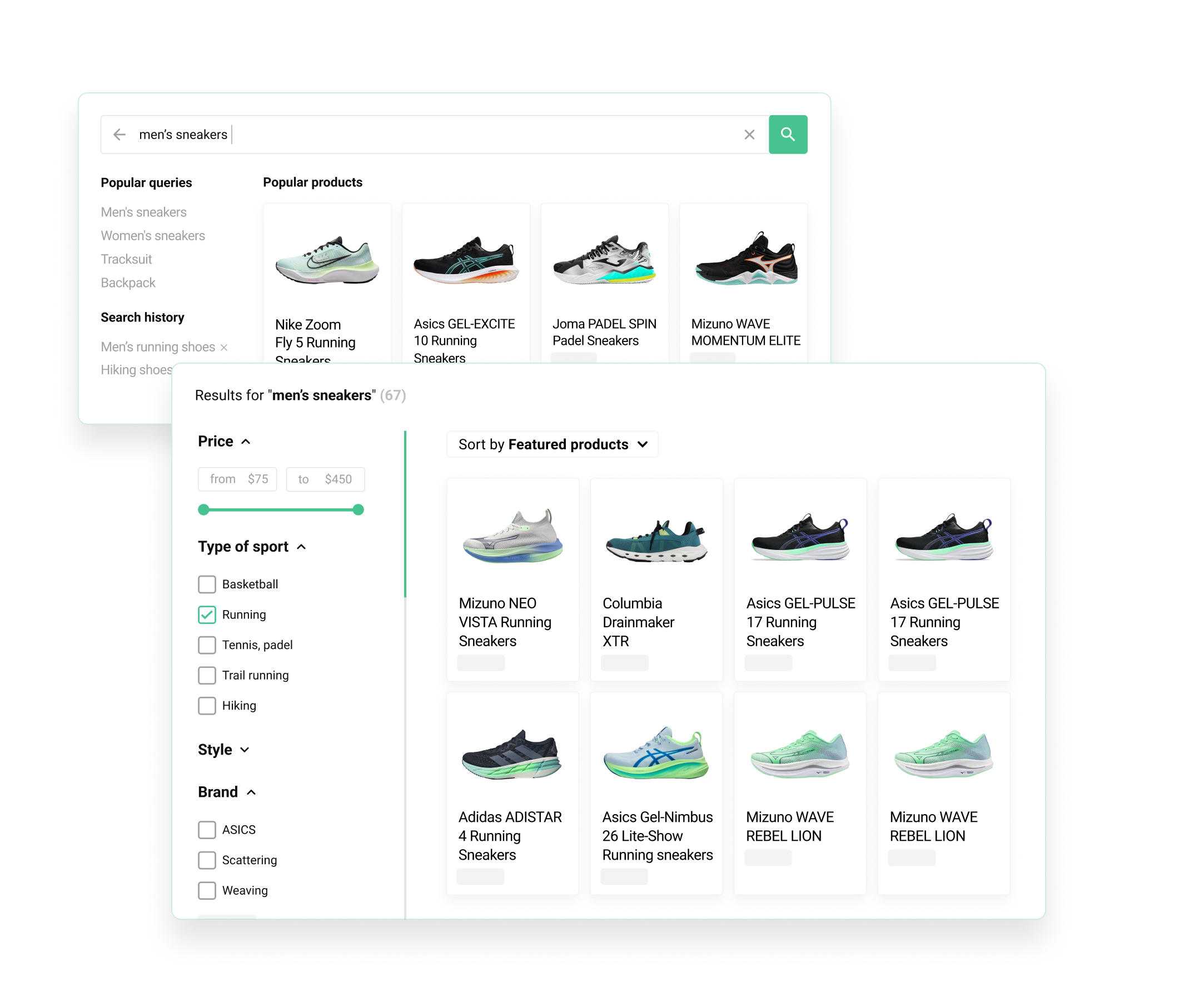
Kea Labs Premium Search + Filters replaces the standard PrestaShop search experience with fast autocomplete, a configurable results page, and storefront filters. Start here for installation, the setup wizard, catalog indexing, Preview and Live modes, search settings, analytics, diagnostics, and theme customization.
Visual search product
Visual Discovery & Smart Search
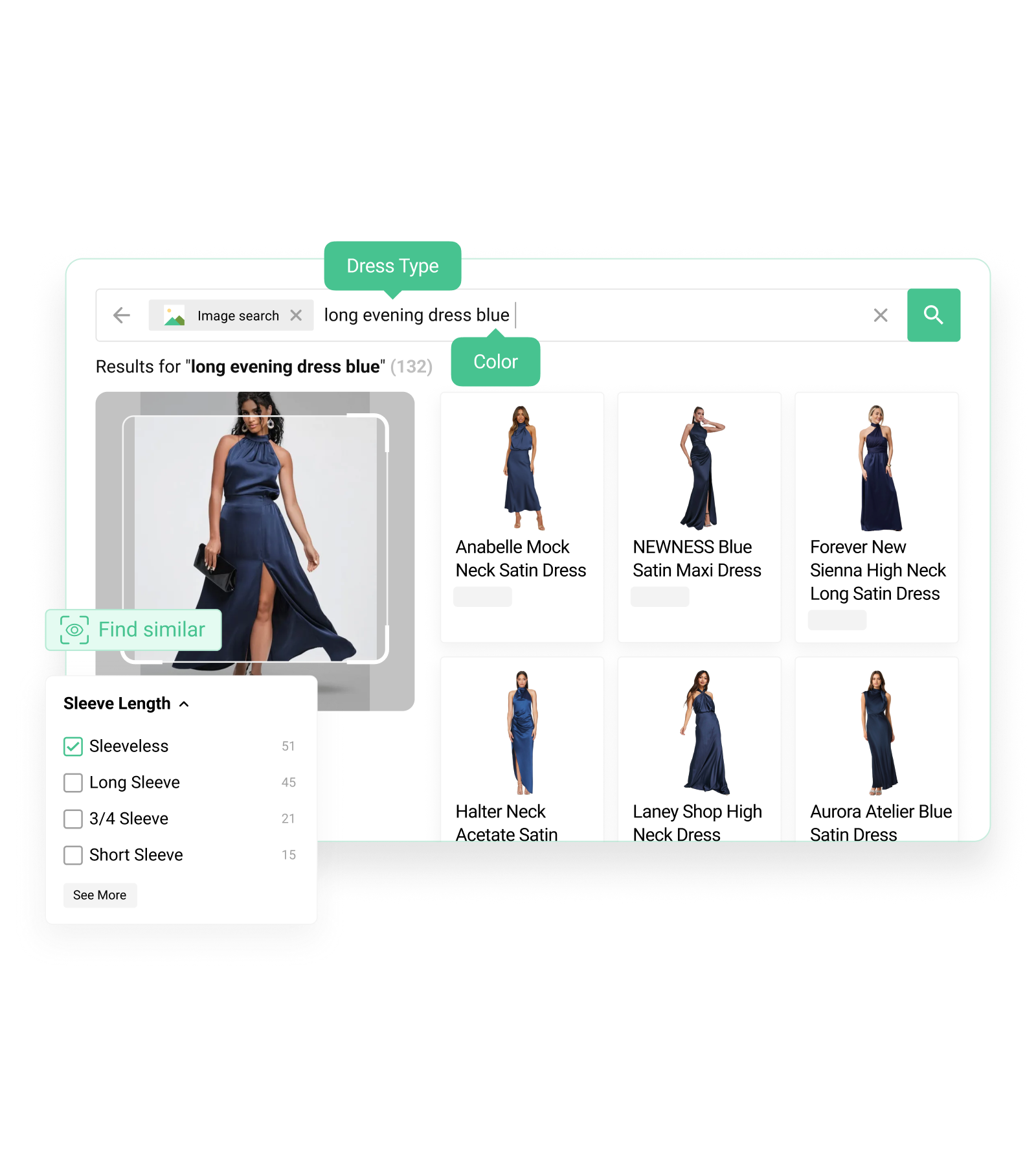
Kea Labs Visual Discovery & Smart Search helps shoppers discover products through image search, similar items, and smarter storefront recommendations. Use the shared search and interface guides for behavior that is common across Kea Labs products. If your setup needs account or activation details, contact support with your store domain.
For developers
Customization reference
Kea Labs storefront widgets are designed to fit your theme. Start with CSS variables for colors and spacing, then use selectors, DOM markers, templates, and block guides when you need deeper changes to product cards, facets, the search box, or the results page.
Jump to a common task
Need help?
Need help setting up Kea Labs search, tuning results, or adapting the interface to your store theme? Write to support@kealabs.com. Include your store URL, platform, module version, and what you want to change or configure. We can help directly, answer product questions, or connect you with an implementation partner.